
How to Download Genshin Impact on PC
Genshin Impact has become one of the most popular open-world RPGs in the world. With its breathtaking landscapes, engaging elemental combat, and unforgettable Genshin Impact characters, it’s no wonder gamers everywhere are searching how to download Genshin Impact on PC and laptop. Whether you’re a new traveler to Teyvat or returning to the action, this complete guide will help you download, install, and play Genshin Impact on PC or laptop, hassle-free.
Step‑by‑Step Guide How to Download Genshin Impact on PC
Here’s the easiest way to download and install Genshin Impact on laptop or PC in just a few steps:
- Go to the official Genshin Impact download page by HoYoverse.
- Click the button to download Genshin Impact installer (a small .exe file).
- Double-click the file and follow the prompts. Accept the license agreement and select your install location.
- Once installed, the Genshin Impact launcher will open. It will start downloading all game files (~75 GB). Be patient, especially on slower internet.
- Use your email, Google, Facebook, or Apple ID to sign in or create a free account.
- Once the download completes, click “Launch” to begin your journey across Mondstadt, Liyue, Inazuma, and more.

That’s it! Now you know how to get Genshin Impact on PC easily.
How to Download Genshin Impact on Mac

Genshin Impact doesn’t officially support macOS, but here are some ways to play it on a Mac:
| Method | Pros | Cons |
|---|---|---|
| GeForce Now | No download required | Queue times on free plan |
| Boot Camp (Intel) | Native Windows support | Needs Windows license |
| Parallels Desktop | Run Windows inside macOS | Performance may drop |
| BlueStacks Emulator | Play Android version | Limited graphics; mobile UI |
| PlayCover (Apple Silicon) | Use iPad IPA with keyboard control | Not officially supported |
While none of these are as smooth as the native PC version, they still allow Mac users to download and play Genshin Impact.
Is Genshin Impact Free to Download on PC?
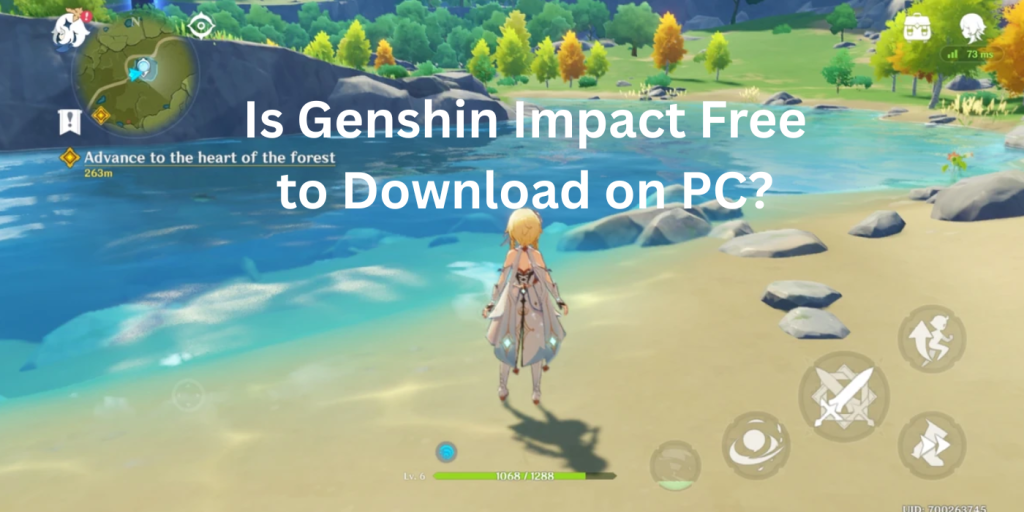
Yes! Genshin Impact is completely free to download and play on PC and laptop. There are no upfront costs, all you need is a compatible device, an internet connection, and a free HoYoverse account.
From the base game to frequent events, banners, and quests, everything is available at no charge. Optional in-game purchases exist (like character wishes), but they’re never required to enjoy the full game.
Genshin Impact pc requirements
Before you begin the Genshin Impact download, make sure your laptop or PC meets the minimum system requirements.
| Feature | Minimum Requirements | Recommended Requirements |
|---|---|---|
| OS | Windows 7 SP1 64-bit | Windows 10 64-bit or newer |
| Processor | Intel Core i5 | Intel Core i7 or equivalent |
| RAM | 8 GB | 16 GB |
| Graphics | NVIDIA GT 1030 or equivalent | NVIDIA GTX 1060 6GB or better |
| Storage | 30 GB for install, 75–100 GB full game | 100 GB recommended |
Note: You cannot play Genshin Impact on PC with just 4 GB RAM. The game requires at least 8 GB for stable performance.safe. If you’re starting your Genshin Impact download for the first time, make sure your storage can handle future patches too.
How Many GB Is Genshin Impact on PC?

If you’re wondering “how many GB is Genshin Impact on PC?”, here’s your answer:
- Installer Size: ~300 MB
- Initial Download: 64–75 GB of game files
- Future Updates & Patches: Expect to reserve 100 GB or more
So, make sure you have enough storage before starting the Genshin Impact download on your laptop or PC.
Can I Run Genshin Impact on 4 GB RAM?
Officially, Genshin Impact’s minimum PC requirement is 8 GB RAM. Running it on only 4 GB is below spec and likely to cause severe performance issues, including freezes and crashes. Some mobile and older‑generation devices list 4 GB as a minimum, but on PC you’ll struggle to maintain playable frame rates or even launch the game. Before you begin your Genshin Impact download, make sure your system meets the recommended specs for a smooth experience.
If you only have 4 GB RAM, you might:
- Experience extremely low frame rates (under 20 FPS)
- Encounter frequent stutters, long loading times, and possible crashes
- Be unable to access higher graphics settings, even on the lowest preset
For a smooth experience, upgrade to at least 8 GB RAM. Modern systems with 16 GB or more let you enjoy Genshin Impact at higher settings and multitask (e.g., streaming or running background apps) without hiccups.
Tips for Smooth PC Gameplay
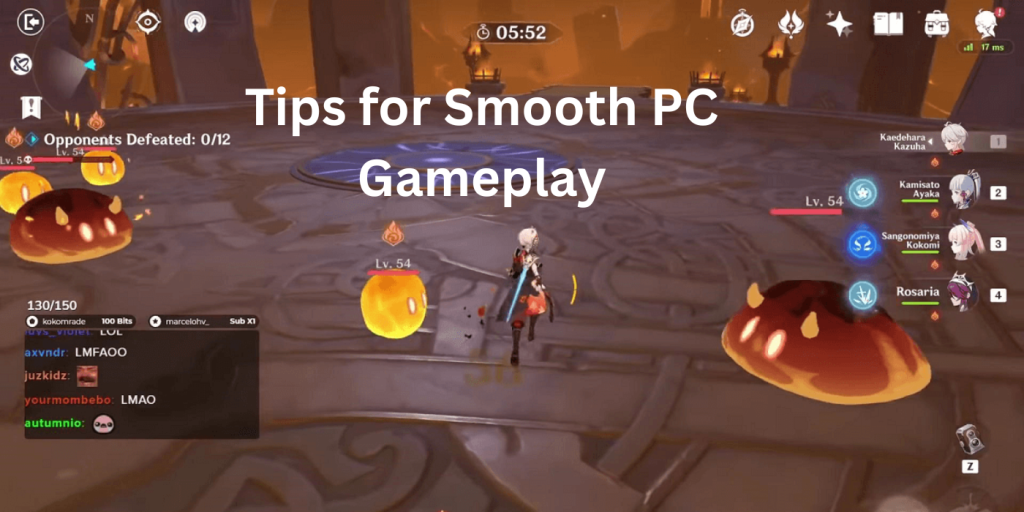
To keep Genshin Impact running well on your PC:
- Update Graphics Drivers: NVIDIA/AMD drivers often include optimizations for recent game versions.
- Close Unnecessary Apps: Free up RAM and CPU by shutting down background software.
- Adjust Graphics Settings: If you notice stutters, lower shadows, draw distance, and anti‑aliasing.
- Use an SSD: Installing on an SSD rather than an HDD dramatically reduces load times.
- Keep Windows Updated: Security and performance patches can improve stability.
These simple steps go a long way toward maintaining stable frame rates and quick loading in Genshin Impact.
How to Play Genshin Impact on PC Smoothly
After you finish the Genshin Impact install, use these tips to boost performance:
- Use SSD storage instead of HDD
- Close background apps (like Chrome, Discord)
- Update your graphics drivers
- Lower in-game graphics settings for smoother frame rates
- Keep Windows up-to-date
These steps help reduce lag and improve load times, especially for lower-end laptops.
FAQs
Conclusion
Now you know how to download Genshin Impact on laptop, how to install Genshin Impact on PC, and even ways to play Genshin Impact on Mac. The Genshin Impact download is fast, free, and easy, and the fantasy world of Teyvat is just a few clicks away.
Whether you’re drawn in by the immersive Genshin Impact characters, exciting elemental battles, or just looking for a new open-world RPG to explore, this guide ensures you get started the right way. Download Genshin Impact today and experience a journey unlike any other.
Ready to play? Download Genshin Impact now and join millions of Travelers around the world!